URL Parameters vs Query Strings in Express.js
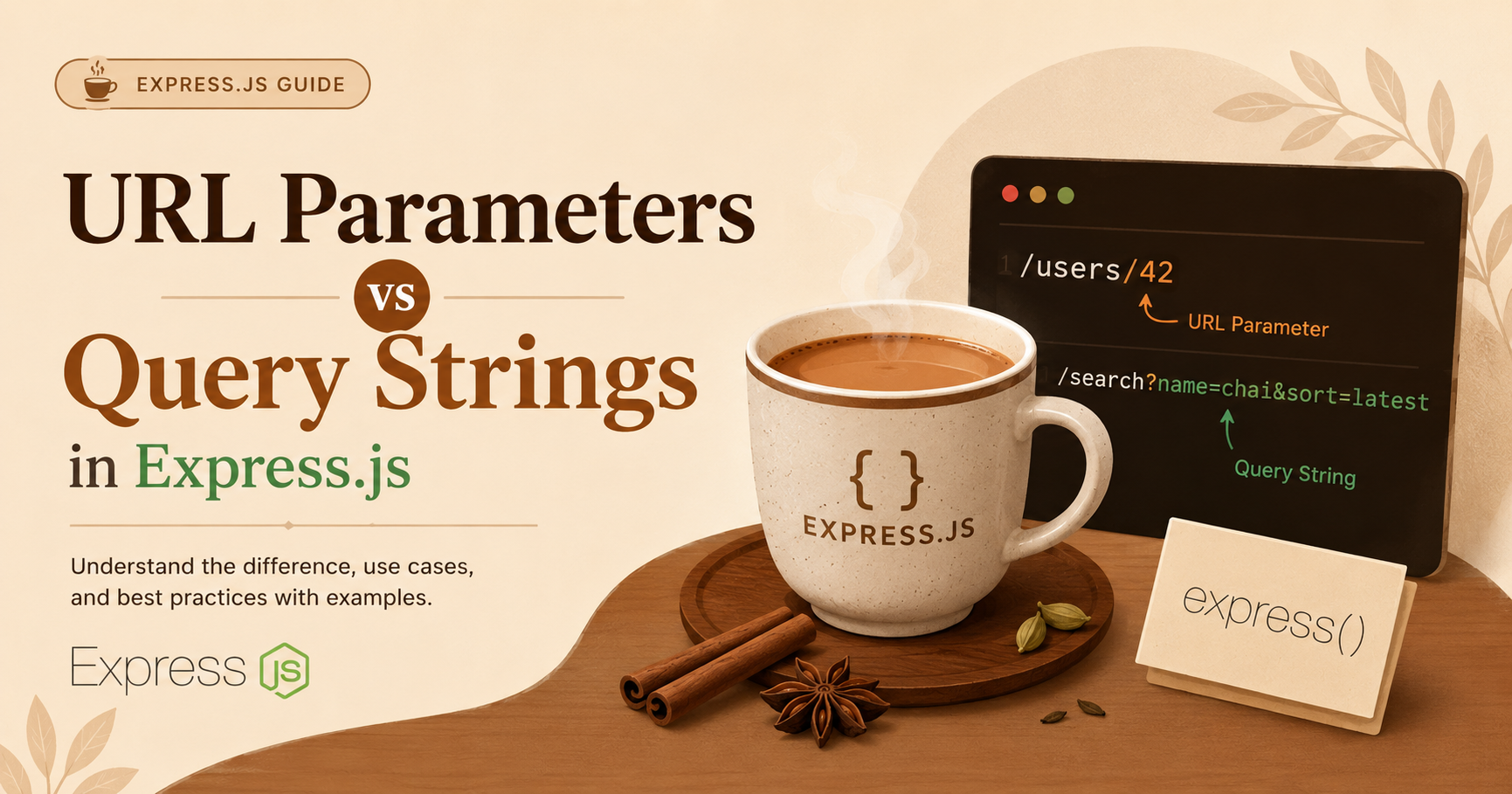
If you've worked with Express even a little, you've probably written something like /users/:id or seen a URL with a ?search=something at the end. Both are ways to pass data through a URL — but they're not the same thing, and using the wrong one can make your API feel off.
Let me break it down in plain terms.
1. What URL parameters are
URL parameters (also called route params) are part of the URL path itself. They act as identifiers — they tell your server which specific resource you're asking for.
Think of it like a locker number. If you want locker 42, you go to /lockers/42. The 42 is baked right into the path.
GET /users/101
GET /products/shoes
GET /posts/getting-started-with-express
Here, 101, shoes, and getting-started-with-express are all URL parameters. They point to a specific thing.
2. What query parameters are
Query strings come after the ? in a URL. They're used as filters or modifiers — they don't change what resource you're hitting, they just shape how you want the data back.
GET /products?category=shoes&sort=price&order=asc
GET /users?role=admin&active=true
GET /posts?search=express&page=2
Notice that /products is still the same endpoint. You're just telling it: "Give me products, but only shoes, sorted by price."
3. Differences between them
| URL Parameters | Query Strings | |
|---|---|---|
| Position in URL | Inside the path /users/:id |
After the ? mark |
| Purpose | Identify a specific resource | Filter, sort, or modify results |
| Required? | Usually yes | Usually optional |
| Example | /users/42 |
/users?role=admin |
The simplest way to think about it — params say who, query says how.
4. Accessing params in Express
In Express, you define route params with a colon (:) in the route path, and access them via req.params.
app.get('/users/:id', (req, res) => {
  const userId = req.params.id;
  res.send(`Fetching profile for user: ${userId}`);
});
Hit /users/42, and req.params.id gives you "42".
You can also have multiple params:
app.get('/posts/:year/:slug', (req, res) => {
  const { year, slug } = req.params;
  res.send(`Post: \({slug} from \){year}`);
});
5. Accessing query strings in Express
No special setup needed. Express automatically parses query strings and puts them in req.query.
app.get('/products', (req, res) => {
  const { category, sort, order } = req.query;
  res.send(`Category: \({category}, Sort by: \){sort}, Order: ${order}`);
});
Hit /products?category=shoes&sort=price&order=asc, and you get each value neatly available.
If a query param isn't passed, it just comes back as undefined — so it's easy to set defaults:
const page = req.query.page || 1;
const limit = req.query.limit || 10;
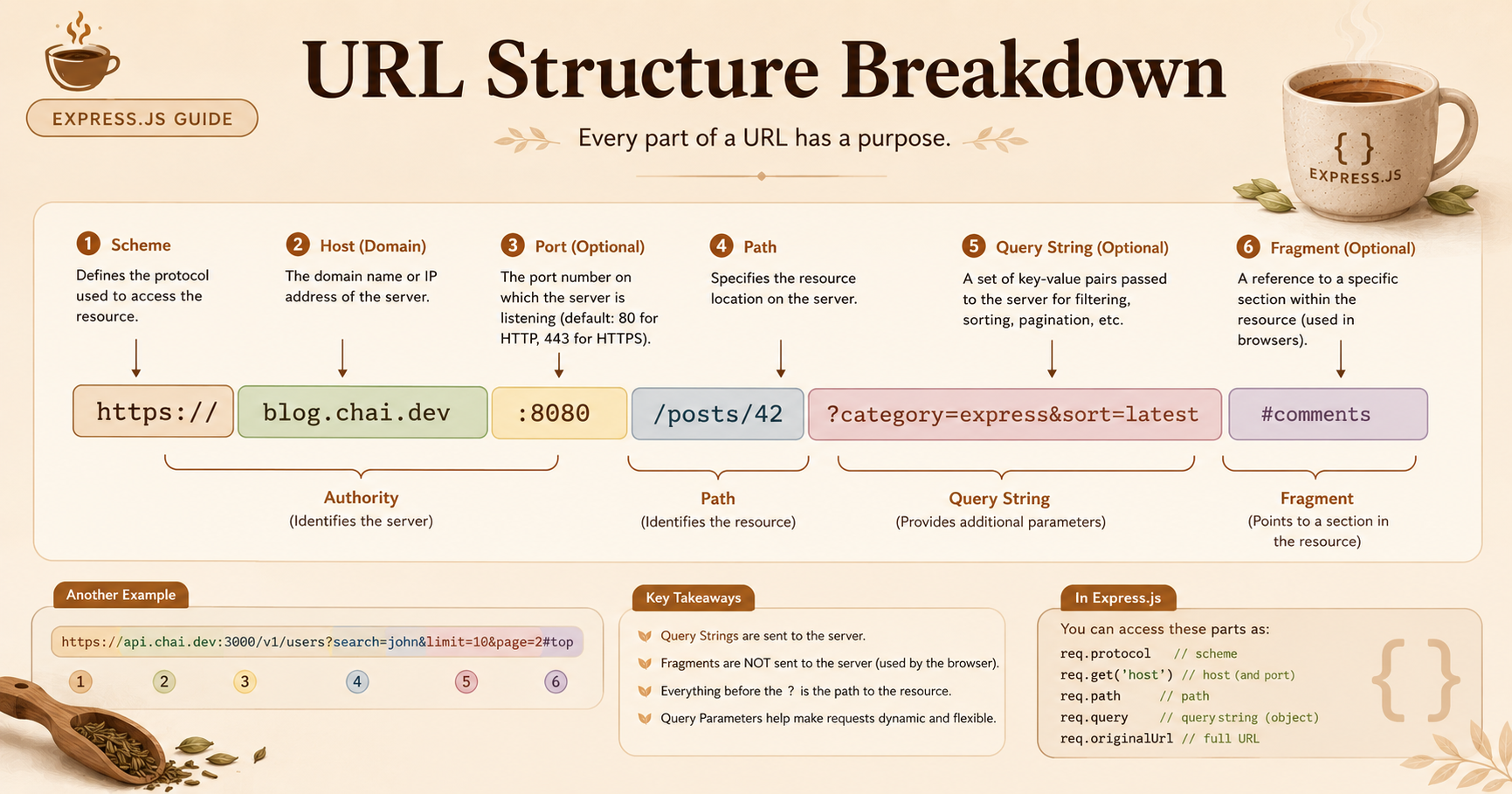
6. When to use params vs query
Here's the rule I follow personally:
Use URL params when:
You're fetching one specific thing — a user, a post, an order
The value is required for the request to make sense
Examples:
/users/:id,/orders/:orderId,/articles/:slug
Use query strings when:
You're filtering, searching, or paginating a list
The value is optional
Examples:
/products?category=shoes,/posts?search=express&page=2
A real-world example — if you're building a user profile page, the user ID belongs in the path:
GET /users/99          ✅ correct
GET /users?id=99       ❌ awkward
But if you're filtering users by role on an admin dashboard:
GET /users?role=admin&active=true    ✅ correct
GET /users/admin/true                ❌ doesn't make sense
That's really all there is to it. Params are for pointing at something specific. Query strings are for narrowing down or shaping the results. Once that clicks, you'll naturally write cleaner, more intuitive routes.